
How an Automated Invoice Follow-Up System Works
An automated invoice follow-up system helps small businesses chase overdue payments politely, protect cash flow and spend less time sending reminders.
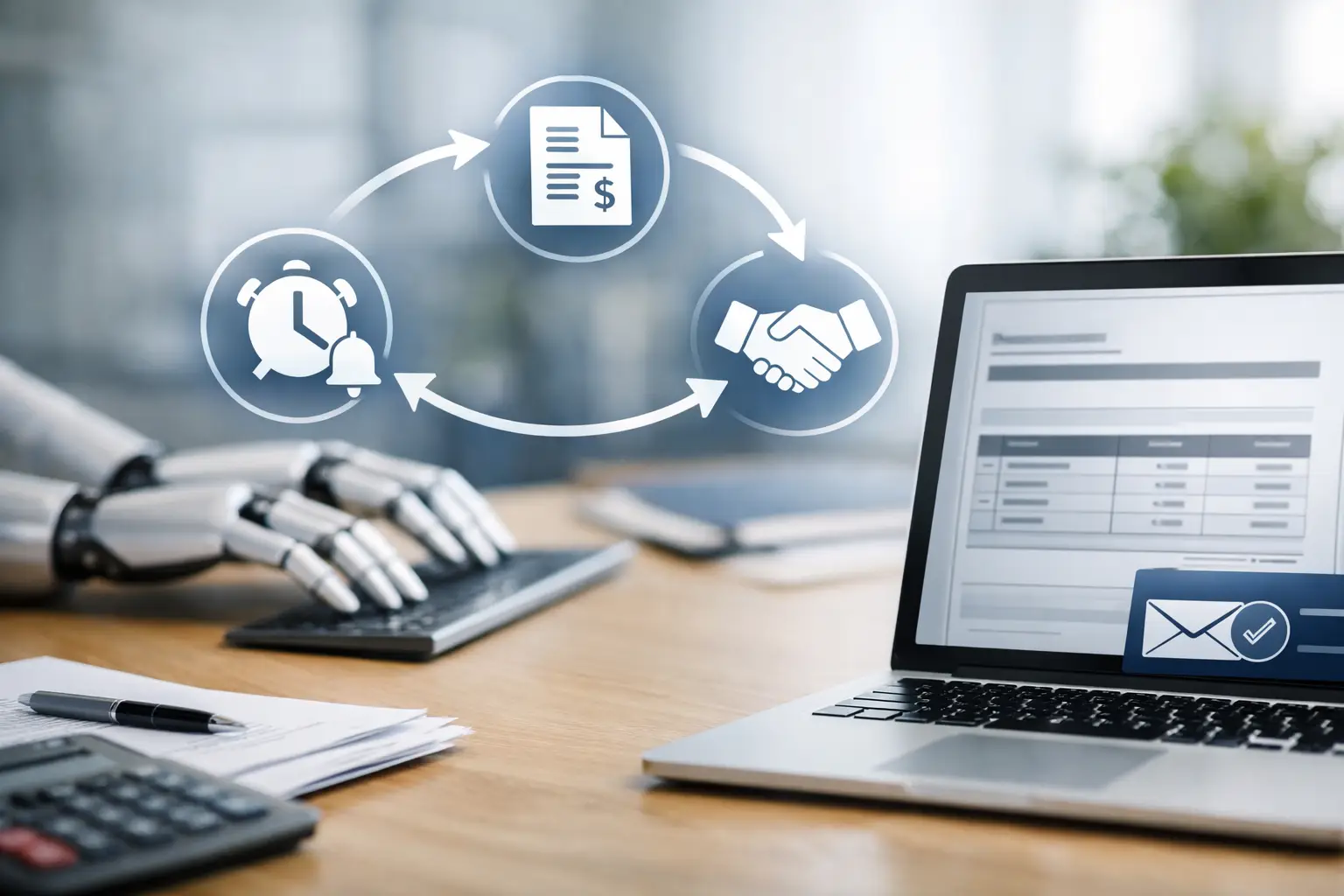
A job can be finished, the customer can be happy, and the money can still be sitting in somebody else’s bank account. For a small business, that gap matters. An automated invoice follow-up system sends the right payment reminders at the right time, so you spend less of your evening chasing invoices and more time running the business.
This is not about sending cold or aggressive messages. It is about creating a clear, reliable process that helps good customers pay promptly, flags genuine issues early, and stops overdue invoices becoming an awkward personal conversation.
Why late payments create bigger problems than they seem
When you are a sole trader or small team, an unpaid invoice is rarely just an accounting inconvenience. It can affect wages, supplier bills, stock orders and the confidence to take on the next piece of work. Even businesses with strong sales can feel under pressure when money arrives unpredictably.
Manual chasing also has a hidden cost. Someone has to check what is due, decide who needs a nudge, write the message, record the response and remember to follow up again. That task often drops down the list after customer work, bookings and day-to-day delivery. By the time you return to it, the invoice may be weeks late.
A well-built system removes the need to rely on memory. It makes payment follow-up part of the customer journey, rather than a task you only tackle when cash flow becomes tight.
What an automated invoice follow-up system does
At its simplest, the system connects your invoices with a set of pre-agreed reminders. When an invoice is created, sent, viewed, due or overdue, the workflow can trigger the appropriate message by email, SMS or WhatsApp, depending on how your customers prefer to communicate.
The useful part is the timing and logic behind it. A customer might receive a polite confirmation when the invoice is sent, a reminder three days before the due date, and a firmer note a few days after it becomes overdue. Once payment is received, the system stops the reminders automatically and can send a receipt or thank-you message instead.
For many service businesses, the best workflow also includes a clear payment link, the invoice number, the amount due and a simple route to ask a question. The easier you make it to pay or resolve a concern, the fewer invoices sit unresolved.
It should feel helpful, not relentless
Automation needs judgement. A customer with a long payment history may only need one friendly reminder. A new commercial client on 30-day terms may need a different schedule from a homeowner paying on completion. The goal is not to send more messages. It is to send fewer, better-timed messages that fit how you work.
That is why an off-the-shelf reminder setting is not always enough. Your payment process should reflect your services, average invoice value, payment terms and customer relationships.
A practical payment reminder sequence
There is no single schedule that suits every business, but a straightforward sequence gives most small businesses a strong starting point.
When the invoice is issued, send a short confirmation with the due date and payment method. This is particularly useful where the customer expects an invoice but may not spot it in a busy inbox.
A few days before the due date, send a light reminder. The tone can be simple: the invoice is due shortly, and the payment link is included for convenience. This often catches customers who intended to pay but had not got round to it.
On the due date, a second reminder can confirm that payment is now due. If the invoice remains unpaid, the next message should be more direct while staying professional. State the invoice number, amount, original due date and what action is needed.
After a defined number of days overdue, the system can create a task for a person to review the account. At this point, a human check is valuable. There may be a disputed item, a missing purchase order, an agreed payment plan or a customer who is dealing with a genuine problem.
For higher-value invoices, you may want fewer automated chasers and an earlier personal call. For smaller, repeatable invoices, automation can handle more of the process without affecting the relationship.
Build the process around the way you work
The strongest systems do not begin with software. They begin with a clear answer to a few practical questions: when do you invoice, when do you expect payment, and what should happen if payment does not arrive?
A plumber may take a deposit before booking the work, then invoice the balance on completion. A salon may collect payment at the appointment but chase no-show fees separately. A consultant may bill monthly under agreed credit terms. Each model needs different triggers, wording and escalation points.
Your system should also recognise invoice status properly. There is a meaningful difference between an invoice that has not been opened, one that has been viewed but not paid, one that is partly paid, and one that is being disputed. Treating every unpaid invoice the same can create unnecessary friction.
Keep customer records in one place
If invoice information lives in one platform, customer conversations in another and booking details in a third, follow-up becomes harder than it needs to be. A connected CRM or dashboard can show the full picture: what was booked, what was delivered, what was invoiced, which reminders were sent and whether the customer replied.
That visibility matters when a customer calls. Instead of searching through emails, you can see the context and respond with confidence. It also prevents embarrassing mistakes, such as chasing an invoice that was paid yesterday or sending a standard reminder after someone has explained a delay.
For businesses using EKKO Loop®, payment follow-up can sit alongside booking confirmations, appointment reminders and post-service messaging. The customer receives communication that feels joined up because it is built from the same workflow, not bolted on as another disconnected subscription.
Get the message and payment route right
A reminder only works if it is easy to understand and easy to act on. Avoid vague wording such as “please settle this at your earliest convenience” without giving a due date, invoice reference or payment route.
A useful message usually includes the customer’s name, the amount due, invoice number, payment deadline and a direct way to pay. It should also give customers an easy way to reply if there is a problem. A short sentence such as “If you have already paid, thank you - please disregard this reminder” helps keep the tone respectful.
Choose the channel with care. Email is usually best for formal records and detailed invoices. SMS can work well for a short due-date nudge, especially for home services and appointments. WhatsApp may suit businesses whose customers already use it for booking updates and quick questions. Consent, expectations and record-keeping still matter, so messages should be sent through appropriate, agreed channels.
Where automation needs a human hand
Automated reminders are excellent for routine follow-up. They are not a replacement for judgement in sensitive or unusual cases.
Pause or adjust the workflow when an invoice is disputed, a customer has requested a payment plan, the work is incomplete, or the relationship is commercially significant. A rigid sequence can damage trust if it continues after a customer has already raised a valid concern.
It is also worth setting clear ownership internally. Someone should review the overdue list each week, deal with exceptions and decide when an account needs a call rather than another message. Automation gives you consistency; a person supplies context.
Measure whether the system is earning its place
You do not need a complicated finance dashboard to see whether the process is working. Track how many invoices are paid before the due date, how long it takes customers to pay, how many reminders are typically needed and which invoices require manual intervention.
If reminders are being ignored, the issue may not be the wording. Your invoice may be arriving too late, payment options may be limited, or your terms may not have been clearly agreed at the start of the job. Good automation exposes these weak points because it makes the process visible.
The aim is not to pressure every customer into paying faster. It is to make prompt payment the easiest, most normal next step after you have done good work. Build that expectation into every invoice, and your cash flow becomes far less dependent on who you remembered to chase this week.
Need this built for your business?
EKKO builds affordable websites, custom CRMs and automated follow-up systems for small businesses, sole traders and startups. Contact us for a custom quote.
More from the EKKO Journal
Small Business Website Trends That Earn Enquiries
Small business website trends for 2026: faster pages, clearer journeys, useful automation and stronger proof that help turn enquiries into loyal customers.
Small Business Automation Trends That Pay Off
Small business automation trends are moving beyond flashy tools towards practical systems for enquiries, bookings, follow-ups, reviews and repeat trade.
Spreadsheets Versus CRM Workflows: When to Switch
Spreadsheets versus CRM workflows: learn when a spreadsheet is enough, where it creates risk, and how tailored systems save time for busy small firms.