
CRM Versus Project Management Software Compared
Compare CRM versus project management software for a small business. See what each system does, where they overlap, and how to choose without adding cost.
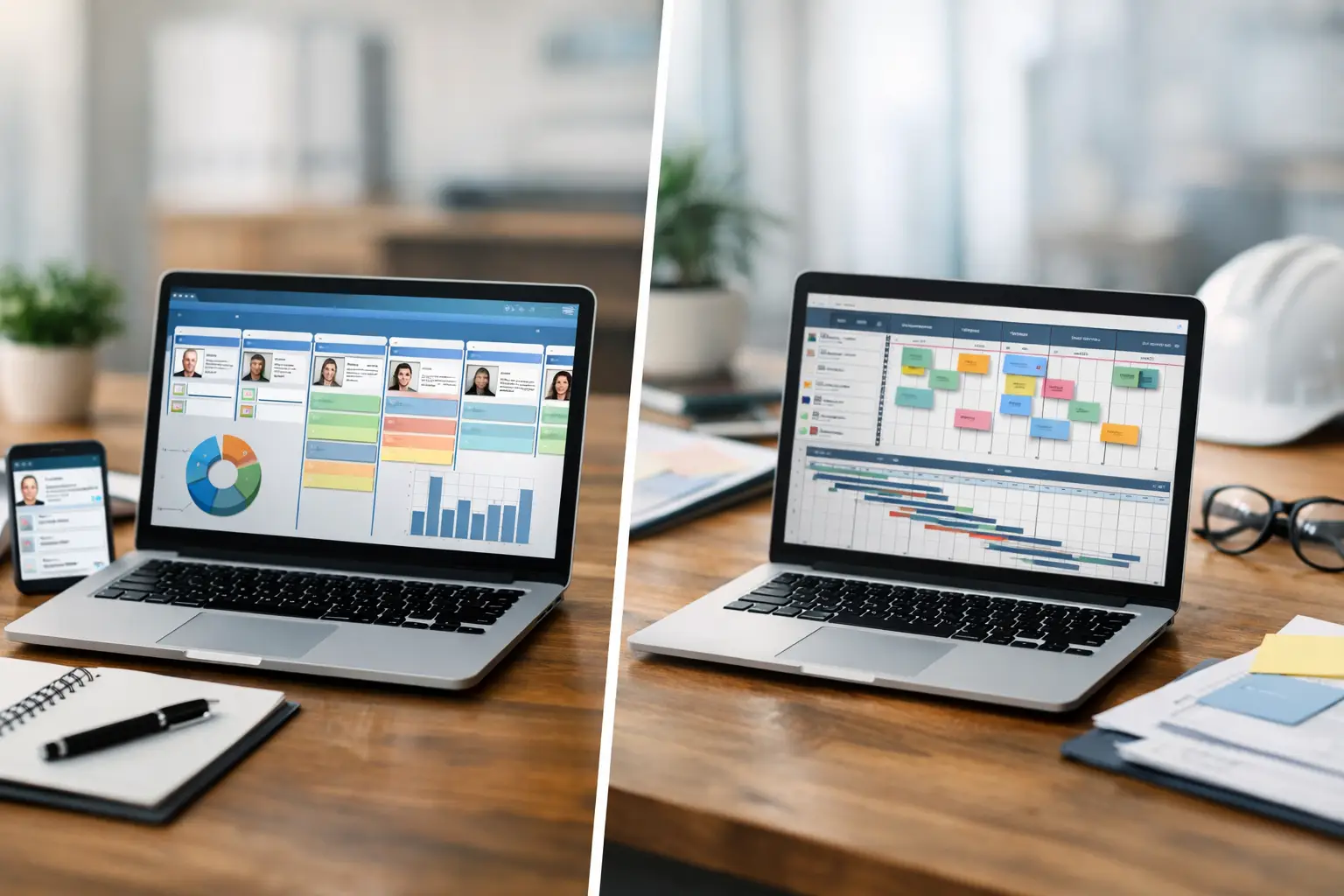
A missed enquiry rarely happens because a small business owner does not care. It happens because the enquiry arrived by WhatsApp while someone was on a job, the follow-up sat in an inbox, and the customer booked elsewhere. That is where the question of CRM versus project management software becomes practical, not technical. The right system should help you respond, deliver the work and bring customers back - without creating another subscription your team has to babysit.
CRM versus project management software: the core difference
A CRM, or customer relationship management system, is built around people and revenue. It keeps a record of leads, customers, conversations, quotes, bookings, follow-ups and repeat business. Its job is to make sure nobody falls through the gaps between first contact and the next sale.
Project management software is built around work. It helps you plan tasks, assign responsibility, set deadlines, share files and track what needs doing before a job, campaign, installation or client project is complete. Its focus is delivery rather than the customer relationship itself.
The distinction sounds simple, but small businesses often need both sets of information. A kitchen fitter may need to record a homeowner’s enquiry, send an estimate and chase approval. Once accepted, they also need to order materials, schedule fitting dates and make sure the final snagging list is finished. The first part is CRM territory. The second is project management.
Problems start when one tool is forced to do both jobs badly. A task board can show that a quote needs chasing, but it may not hold a useful customer history or automate a reminder. A CRM can create tasks, but it may feel awkward when a team is coordinating dozens of detailed delivery steps.
What a CRM is best at
For service-led businesses, a CRM is often the better first investment because it gives shape to the customer journey. Instead of relying on memory, scattered notes and personal inboxes, you can see each opportunity from enquiry to booking, payment, review and rebooking.
A well-built CRM can support everyday actions such as capturing website enquiries, logging calls, recording customer preferences, sending appointment reminders and prompting follow-up after a quote. For a salon, that may mean a cancellation slot reaches the right clients quickly. For an accountant, it may mean a prospective client receives a clear response while their interest is still fresh. For a trades business, it may mean the office can see which estimates are awaiting approval.
The real value is not a larger contact list. It is consistency. When a customer calls back, you should not need to ask them to repeat their address, service requirement or previous issue. When a customer has not returned for six months, you should have a sensible way to reconnect. When a job is completed, asking for a review should be a normal part of the process, not a task remembered only on quiet afternoons.
CRMs are especially useful when your business depends on one or more of the following: a steady flow of enquiries, booked appointments, quoted work, repeat visits, retained clients or reputation-driven referrals. If those activities drive growth, customer information needs a proper home.
What project management software is best at
Project management software earns its place when the work has moving parts. Think website builds, property refurbishments, events, marketing campaigns, product launches or any job involving several people, handovers and deadlines.
Its strength is visibility. A shared board, timeline or task list makes it clear what is waiting, what is underway and what is blocked. Team members can be assigned a task, given a due date and shown the information they need to get started. That reduces the familiar cycle of searching through messages to find the latest brief or asking who was meant to do what.
For a small agency, a project system might track discovery, design, approval, development, content and launch. For a catering business, it could cover menu confirmation, dietary requirements, staffing, suppliers and set-up. For a building firm, it may track survey dates, materials, subcontractors and quality checks.
Project management software is less helpful when every job follows the same short pattern and only one or two people are involved. In that situation, detailed boards and task hierarchies can become admin for admin’s sake. A straightforward booking workflow with reminders may be all you need.
Where they overlap - and where that causes confusion
Both systems can hold notes, attach documents, assign tasks and send notifications. This overlap is why businesses sometimes choose a platform based on a flashy feature list, then discover it does not match the way they operate.
The useful question is not, “Can this tool create tasks?” It is, “What must never be missed?” If the answer is a new lead, a quotation follow-up, a no-show, a review request or an overdue repeat customer, start with CRM thinking. If the answer is a client approval, supplier deadline, internal handover or a complex list of delivery actions, start with project management thinking.
A customer record and a project can also be connected. Once a lead becomes a customer, the CRM can trigger a delivery process in your project system. The customer-facing side remains organised, while the team has a clear operational plan. This approach suits businesses with a longer sales cycle and detailed fulfilment work.
But connected does not have to mean complicated. Many small teams do not need a separate app for every part of the business. They need a few clear stages, sensible automation and one place where the right information is easy to find.
How to choose without building an expensive software stack
Start with a week of real work, not a software demo. Write down what happens from the moment an enquiry arrives to the point the customer pays, leaves a review and is invited back. Include the awkward bits: chasing missing information, rescheduling appointments, sending invoices and finding out why a prospect went quiet.
Then identify the biggest source of lost time or lost revenue. If enquiries go unanswered or follow-up is inconsistent, a CRM should come first. If customers are signed up but projects run late, tasks get duplicated or staff lack clarity, project management should come first.
It also depends on the size and shape of the business. A sole trader who runs appointments from a phone will usually benefit more from an uncomplicated CRM with booking, reminders and customer history than from a detailed project workspace. A five-person creative studio may need both, although its project system could be the priority if delivery is the immediate bottleneck.
Before paying for another off-the-shelf platform, check whether you are creating duplicate data. Entering the same customer details into a booking tool, spreadsheet, invoicing app and task board is not a process. It is a warning sign. Every extra handover creates another chance for an error, a delayed response or an awkward customer experience.
Build around the workflow, not the software category
The best setup is rarely the one with the most features. It is the one your team will use on a busy Tuesday. That means clear fields, short pipelines, automated messages that still sound human and dashboards that show only decisions you need to make.
For many small businesses, a tailored CRM can include light project tracking without the weight of a standalone project platform. For others, a project workspace needs customer data and communication history brought into it. There is no prize for choosing a pure CRM or a pure project tool if neither reflects the actual journey from enquiry to completed work.
At EKKO, this is why systems are designed around booking intake, customer communication, follow-up and delivery rather than a fixed template. A good build should remove repeated admin, not simply give it a more polished screen.
Choose the system that protects the moment your business is most likely to lose momentum. Once that part is working properly, you can add only what the next stage genuinely needs - nothing more.
Need this built for your business?
EKKO builds affordable websites, custom CRMs and automated follow-up systems for small businesses, sole traders and startups. Contact us for a custom quote.
More from the EKKO Journal
Small Business Website Trends That Earn Enquiries
Small business website trends for 2026: faster pages, clearer journeys, useful automation and stronger proof that help turn enquiries into loyal customers.
Small Business Automation Trends That Pay Off
Small business automation trends are moving beyond flashy tools towards practical systems for enquiries, bookings, follow-ups, reviews and repeat trade.
Spreadsheets Versus CRM Workflows: When to Switch
Spreadsheets versus CRM workflows: learn when a spreadsheet is enough, where it creates risk, and how tailored systems save time for busy small firms.