
WhatsApp AI Receptionist Setup for Small Teams
Plan a WhatsApp AI receptionist setup that answers faster, qualifies enquiries, protects your time and keeps your small business personal after hours.
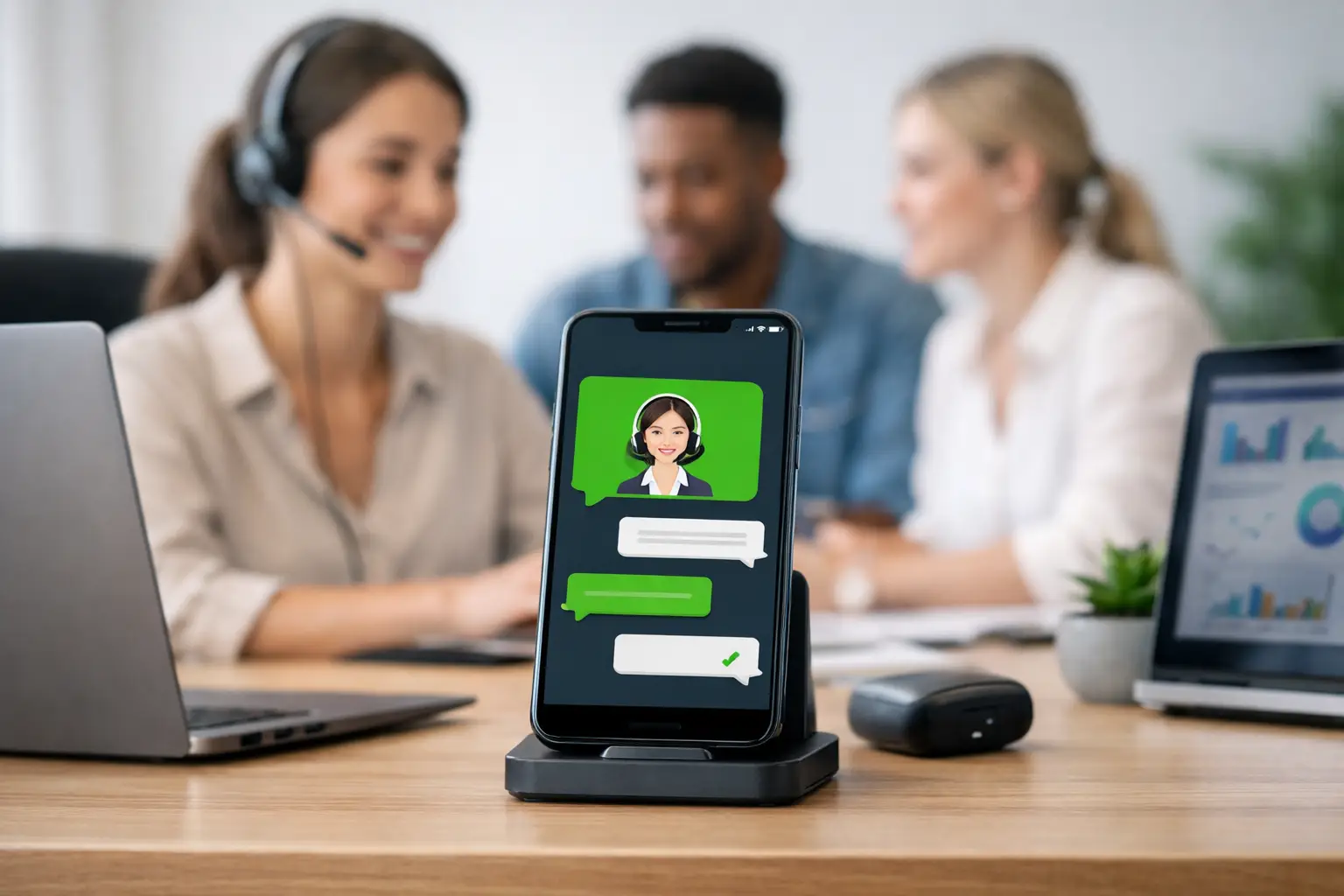
A missed WhatsApp message can mean a missed job, table booking, consultation or sale. For a small business, the problem is rarely a lack of demand. It is being on a site visit, with a client, serving customers or simply off the clock when the enquiry arrives. A well-planned WhatsApp AI receptionist setup gives customers a prompt, useful first response without asking you to be available every minute of the day.
The aim is not to make your business sound like a call centre. It is to handle the predictable first part of a conversation properly: answering common questions, collecting the right details, checking availability where possible and passing genuine decisions to a person. Done well, it protects your time while making the business feel more responsive.
Start with the customer journey, not the software
The best setup begins with the messages you already receive. A plumber might get asked whether they cover a particular postcode, what their call-out availability is and whether they handle an emergency. A salon may need to know which treatment a customer wants, their preferred day and whether they are an existing client. A café may need party size, date, dietary requirements and a contact number.
Write down the journey from first message to confirmed booking or quote. Include the points where customers tend to stop replying, the details you chase repeatedly and the moments where only you can make a decision. This keeps the AI focused on useful work rather than trying to answer every possible question.
For many small teams, the first conversation needs to do only three things: acknowledge the customer quickly, establish what they need and create a clear next step. That next step might be a booking link, a request for photos, a callback slot or a handover to the team. Nothing more is required if more would complicate the experience.
Decide what the AI receptionist should and should not do
An AI receptionist works best with sensible boundaries. It can explain opening hours, service areas, prices that are genuinely fixed, booking rules, preparation advice and frequently asked questions. It can also collect names, contact details, preferred dates, addresses and service requirements in a natural conversation.
It should not invent availability, promise an exact quote when pricing depends on an inspection, give medical or legal advice, or handle a complaint that needs judgement. Those are handover moments. A good response is not an attempt to sound clever. It is a calm, accurate message such as: “Thanks for explaining. I’m passing this to the team so they can give you the right answer.”
This distinction matters. An overconfident bot can create more work than it saves, particularly in trades, health and beauty, and professional services where the details affect price, safety or the quality of the outcome. It is better to collect the right information and set expectations honestly than to force an automated answer.
Build a clear handover rule
Decide exactly when a person takes over. Common triggers include urgent requests, customers asking for a manager, cancellations close to an appointment, complaints, complex jobs, payment disputes and any message the system cannot confidently understand.
The handover should include the conversation context. Your team should see the customer’s name, their request, any answers already given and the action needed next. Asking somebody to repeat themselves after they have explained a problem is a quick way to make automation feel impersonal.
Set an internal response expectation too. If the AI says a team member will be in touch, someone needs to own that follow-up. For a sole trader, that could mean a notification and a defined window for returning messages. For a small team, it may mean routing enquiries by service, area or shift.
Give your WhatsApp AI receptionist setup the right information
The quality of the replies depends on the information behind them. Start with a straightforward knowledge base built around real customer questions. Use approved wording for services, prices, locations, booking policies, opening hours, lead times and anything customers need before they commit.
Keep this information specific and current. “We offer beauty treatments” is too vague to help a customer choose. “We offer gel manicures, BIAB overlays and removal appointments, with a patch test required for selected services” is useful. For a home services business, list the areas covered, typical job types and what to send for an accurate estimate.
Tone deserves the same attention. The receptionist should sound like your business: warm, direct and professional. It should use plain language, short messages and the customer’s preferred style of communication. It does not need to pretend to be human. A simple introduction that explains it is a virtual assistant for the business is clearer and builds trust.
Be careful with claims that change often. If a promotion ends on Friday, remove it. If stock, availability or pricing is variable, connect the system to a live source or ask the customer for details before a person confirms. Out-of-date answers cost more than a brief delay.
Connect it to the work that happens next
A receptionist is most valuable when the conversation does not disappear into an inbox. Your setup should send useful enquiry data into the place where you manage customers, whether that is a CRM, booking system or a tailored dashboard.
For example, a new enquiry could create a contact record, tag the service requested and alert the right person. A booking enquiry might collect preferred dates before directing the customer to available slots. A quote request could ask for photos and an address, then place everything in a review queue. The aim is to reduce copying and pasting, not create another platform to check.
This is where a custom build can be worth more than an off-the-shelf chatbot. The right workflow should follow the way you already deliver work, from first message through to reminders, invoices, review requests and repeat-booking prompts. EKKO Loop® is designed around that wider customer lifecycle, so the receptionist becomes part of an organised process rather than a standalone reply tool.
Test real conversations before you switch it on
Before customers use it, test the awkward messages as well as the easy ones. Ask vague questions. Send typos. Change your mind halfway through. Request a service you do not offer. Raise an urgent issue outside opening hours. See what happens when someone sends a voice note, image or a message in a different language.
Check whether the replies are accurate, concise and easy to act on. A long paragraph may contain the right answer but still slow someone down on their phone. Often, two short messages and one clear question work better.
It helps to review the first few weeks of conversations with a practical eye. Look for questions the receptionist could not answer, details customers were unwilling to provide, handovers that took too long and repeated routes to a booking. Then refine the wording and rules. This is normal operational improvement, not a sign the setup failed.
Measure the outcomes that affect the business
Do not judge the system by how many messages it sends. Measure whether it improves the things that matter: response time, qualified enquiries, completed bookings, quote turnaround, no-shows and the number of enquiries that receive a follow-up.
There are trade-offs. A receptionist that asks ten qualifying questions may give your team excellent information but lose customers who wanted a quick answer. One that asks only for a name and number may convert more initial conversations but leave more work for you later. The right balance depends on your service, average job value and how quickly customers usually decide.
For a low-value, high-volume business, speed and easy booking may come first. For a bespoke project or higher-value treatment plan, qualification and a thoughtful handover may matter more. Your WhatsApp receptionist should reflect that commercial reality rather than follow a generic script.
A good setup leaves customers feeling looked after, even when you are busy. Start with the conversations that regularly interrupt your day, make the next step simple, and keep a person available for the moments that need one. That is how automation earns its place in a small business: by making room for better service, not by getting in the way of it.
Need this built for your business?
EKKO builds affordable websites, custom CRMs and automated follow-up systems for small businesses, sole traders and startups. Contact us for a custom quote.
More from the EKKO Journal
Small Business Website Trends That Earn Enquiries
Small business website trends for 2026: faster pages, clearer journeys, useful automation and stronger proof that help turn enquiries into loyal customers.
Small Business Automation Trends That Pay Off
Small business automation trends are moving beyond flashy tools towards practical systems for enquiries, bookings, follow-ups, reviews and repeat trade.
Spreadsheets Versus CRM Workflows: When to Switch
Spreadsheets versus CRM workflows: learn when a spreadsheet is enough, where it creates risk, and how tailored systems save time for busy small firms.