
How to Set Up Automated Missed-Call Replies
Learn how to set up automated missed-call replies that reassure customers, capture enquiries and help your small business respond without delay when busy.
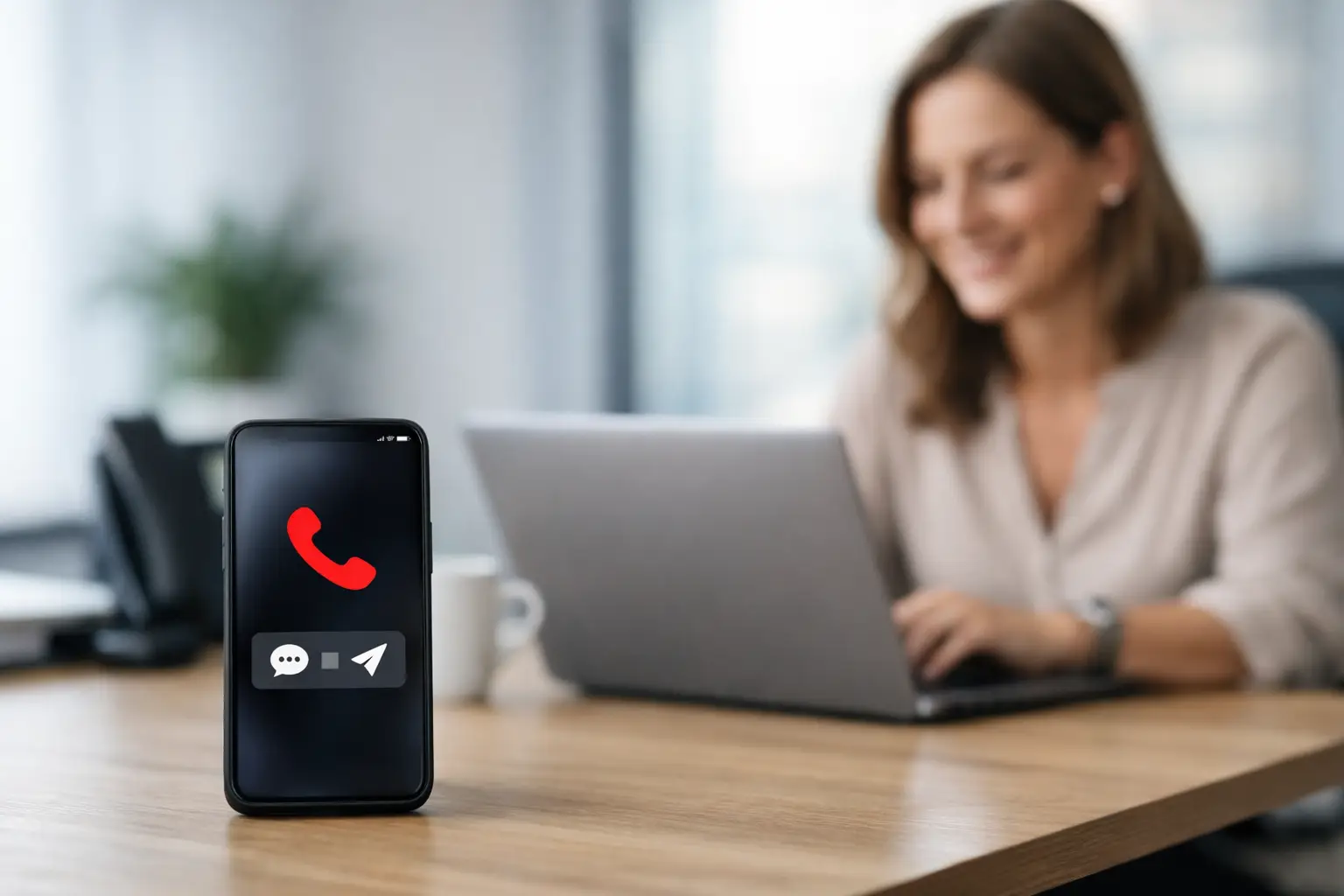
A missed call is rarely just a missed call. For a plumber on a job, a salon owner with both hands full, or a consultant in a client meeting, it can be the moment a new customer decides to try the next business on Google. When you set up automated missed-call replies, you give that customer an immediate sign that their enquiry matters, even when you cannot answer personally.
The aim is not to pretend you are available around the clock. It is to acknowledge the call quickly, set a realistic expectation and give the person an easy next step. Done well, a simple text response turns a silent dead end into a conversation your business can pick up when it is practical.
Why missed-call replies matter for small businesses
Small businesses do not usually have a reception team waiting by the phone. The same person answering enquiries may be delivering treatments, fitting kitchens, driving between appointments or serving customers. That is normal. The problem is that callers do not always know it.
Without a response, they may assume the number is unattended, the business is closed or nobody wants the work. Calling back later helps, but by then the customer may have booked elsewhere. An automated reply closes that uncertain gap within seconds.
It also creates a cleaner record of the enquiry. Rather than relying on a missed-call notification buried among other alerts, you can route the caller into a CRM, a shared inbox or a booking workflow. Your team can see who called, when they called and whether they replied to the message.
There is a balance to strike. Instant replies are useful for high-intent enquiries, particularly where customers are looking for availability, prices or urgent help. They are less useful if the message feels generic, overpromises a response time or starts firing off several messages before someone has even replied. The workflow should feel helpful, not automated for the sake of it.
How to set up automated missed-call replies
The practical set-up has four parts: choose the right trigger, write a useful message, decide what happens after the reply, and test the whole journey from the customer’s point of view.
1. Decide which calls should trigger a message
Start with the calls your business is most likely to miss. This could be every unanswered call, calls outside opening hours, or calls that ring for more than a set number of seconds. Most small businesses benefit from replying to all genuine missed calls, but there are exceptions.
For example, you may not want to text withheld numbers, repeat spam callers or international numbers if you only serve a local area. If your business shares a number across several locations, the reply may also need to ask which branch or service the person needs.
The key is to define what counts as a missed call in your system. A caller who hangs up after one ring may have dialled by accident. Someone who waits through your full ring time is more likely to be looking for help. Your phone provider, CRM or communications platform should let you set this logic without creating unnecessary messages.
2. Write a reply that sounds like your business
Your first message should be short enough to read at a glance. It needs to say who you are, acknowledge the missed call and offer one clear route forward. Do not make customers work out what to do next.
For a home service business, that may be:
> Hi, thanks for calling Oak & Stone Plumbing. We are with customers at the moment. Reply with your postcode and a short note about the job, and we will get back to you as soon as we can.
For a beauty or wellness business, it may be more useful to direct people towards availability:
> Thanks for calling The Studio. We could not answer just now. Reply with the treatment you are looking for, or send your preferred day and time, and we will check availability for you.
Avoid saying “we will call you straight back” unless you genuinely can. A more honest promise such as “we will respond within one working day” protects trust and gives your team room to do the work already in front of them. If you do offer emergency support, make that distinction clear rather than treating every enquiry as urgent.
3. Ask for information that helps you respond
The best missed-call reply reduces the back-and-forth. Ask for details you would need anyway, but keep it proportionate. A decorator may need a postcode, the type of room and a few photos. A restaurant may only need party size, date and preferred time. An accountant may need the service required and the best time to call back.
Do not send a long questionnaire by text. One or two prompts are enough for the first message. If the customer responds, your follow-up can collect anything else needed for a quote, booking or consultation.
This is where a connected system earns its place. A response can create or update a contact record, tag the enquiry source as “missed call”, notify the right team member and begin the appropriate follow-up sequence. That means fewer handwritten notes and fewer leads disappearing between phone calls.
4. Build a sensible follow-up path
Not everyone who receives an automated text will reply immediately. Some are busy too. Your system should give them a nudge without becoming persistent.
A reasonable approach is to send the first acknowledgement immediately, then one follow-up if there is no reply after a suitable period. For many service businesses, that could be the next working day. A simple message such as “Just checking whether you still need a hand with your enquiry” is usually enough.
If they reply, move the conversation to the right next step. That might be a call back, a booking link, a request for photos, or a short form for a detailed quote. If they do not reply after the follow-up, stop. Repeated automated messages can damage the professional impression you were trying to create.
5. Keep your team in the loop
Automation should make it easier to respond personally, not remove the personal response altogether. Make sure somebody owns new missed-call enquiries and knows where to find them. A notification in a dashboard, CRM task or shared WhatsApp inbox is only useful if it is checked consistently.
Set an internal response target that fits the way you work. A same-day reply may be realistic for a small retail business, while a sole trader working on-site may need until the end of the day. What matters is that your public message matches your actual capacity.
EKKO often builds this around the wider customer journey: missed calls can feed into booking intake, reminders, quote follow-ups and future rebooking prompts, rather than sitting in a separate phone app. The right set-up is built around the way you work, nothing more.
Common mistakes to avoid with missed-call automation
The most common mistake is using a message that feels like a dead end. “Sorry we missed your call” is polite, but it does not tell the customer what happens next. Add a clear prompt so they can continue the conversation immediately.
Another is sending replies outside your stated availability without explaining it. If someone receives a text at 10.30pm saying “we will be in touch shortly”, they may expect an answer that night. An out-of-hours variation is better: acknowledge the message and state when the business reopens.
Be careful with consent and customer data too. A missed-call response should relate directly to the person’s enquiry. It is not permission to add them to promotional campaigns. Keep marketing messages separate, make records accessible to the right people only and use a system that supports your data-protection responsibilities.
Finally, test your automation using a real phone. Check how quickly the text arrives, whether the sender name is recognisable, where replies land and what happens if the caller sends a photo, voice note or question. Small details decide whether the process feels premium or patchy.
Make every response useful
Automated missed-call replies work best when they remove friction at the exact point a customer is ready to talk. They will not replace a good conversation, a clear quote or reliable service. They simply make sure the opportunity is still there when you are free to respond.
Start with one honest message and one dependable follow-up route. Once that is working, you can connect it to the rest of your customer process and spend less time chasing missed opportunities.
Need this built for your business?
EKKO builds affordable websites, custom CRMs and automated follow-up systems for small businesses, sole traders and startups. Contact us for a custom quote.
More from the EKKO Journal
Small Business Website Trends That Earn Enquiries
Small business website trends for 2026: faster pages, clearer journeys, useful automation and stronger proof that help turn enquiries into loyal customers.
Small Business Automation Trends That Pay Off
Small business automation trends are moving beyond flashy tools towards practical systems for enquiries, bookings, follow-ups, reviews and repeat trade.
Spreadsheets Versus CRM Workflows: When to Switch
Spreadsheets versus CRM workflows: learn when a spreadsheet is enough, where it creates risk, and how tailored systems save time for busy small firms.